
Minimalist Desktop Recording
Lightweight Screen Recorder & GIF Maker.
Without the OBS Complexity.
OBS Studio is powerful but intimidating, while commercial screen recorders cost hundreds of dollars or slap ugly watermarks on your videos. Screen Lens provides a clean, native Windows recording experience that launches in under a second and records MP4 videos and animated GIFs effortlessly.
winget install --id 9N7V2FVFL4BN --source msstore
Runs on Windows 10 & 11 (x64), Linux (Snap Store, .deb, .tar.gz), and Android. No sign-up, no subscriptions, zero cloud telemetry.
Your files never leave your PC. No cloud uploads, no third-party tracking.
No startup daemons, no background services, no persistent system tray bloat.
Useful free edition with no expiry. Upgrade once for lifetime extras; no subscriptions.
Designed for Performance
Key Features & Capabilities
Built with native Windows 11 Fluent styling, high-efficiency local engines, and zero friction.
Instant Area Selection
Select your full desktop, a specific application window, or a custom bounding box with pixel-perfect snapping.
Animated GIF & MP4 Export
Record bug reports, software demos, or quick tutorials as lightweight GIFs or high-definition MP4 clips.
Floating Mini-Bar
Unobtrusive recording controls stay out of your recording's way, giving you instant pause and stop buttons.
Zero Watermarks
Your recordings belong to you. Even the free edition never adds watermarks or promotional logos to your captures.
Capture Profiles
Full Display, Custom Region, MP4 or Animated GIF
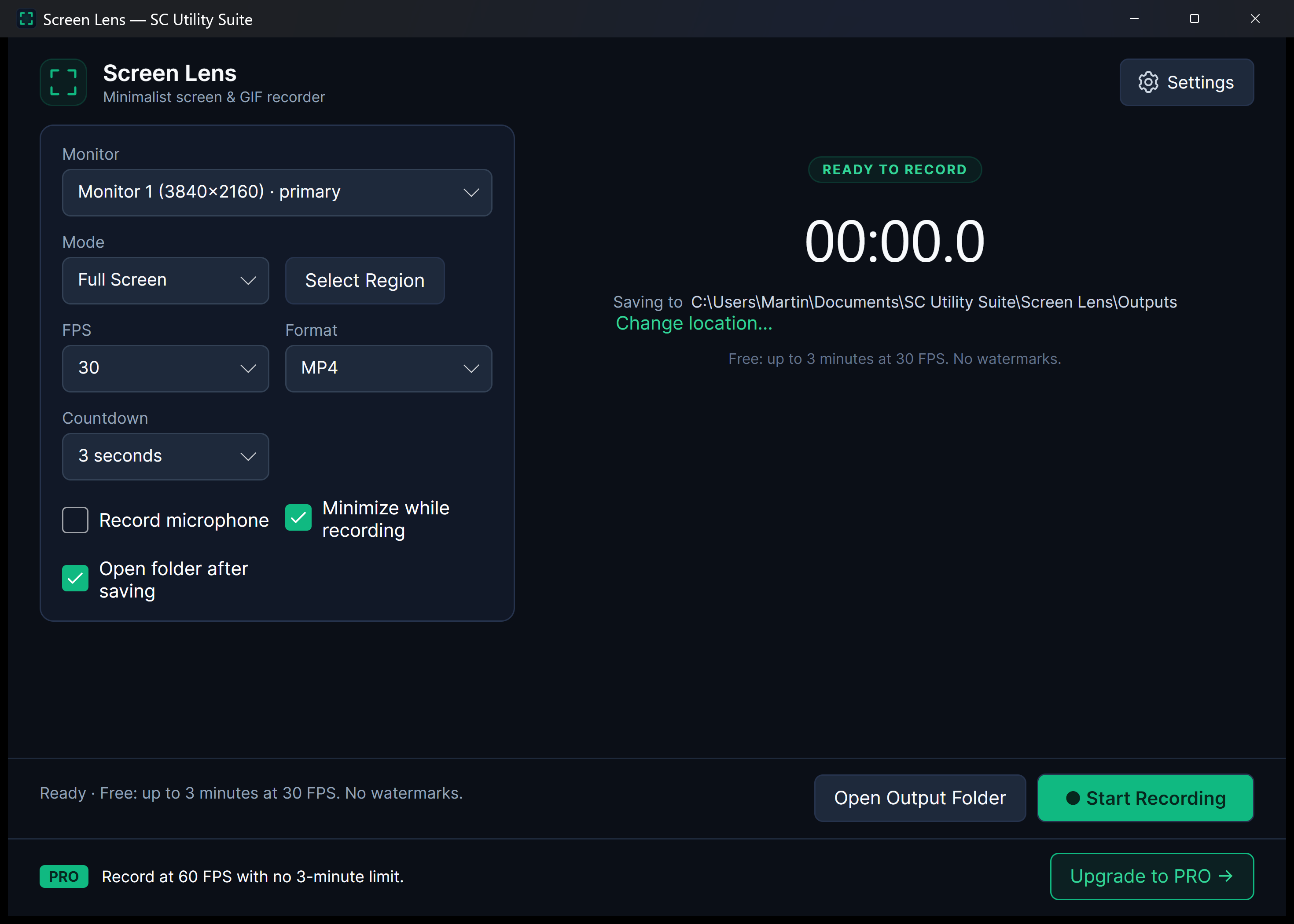
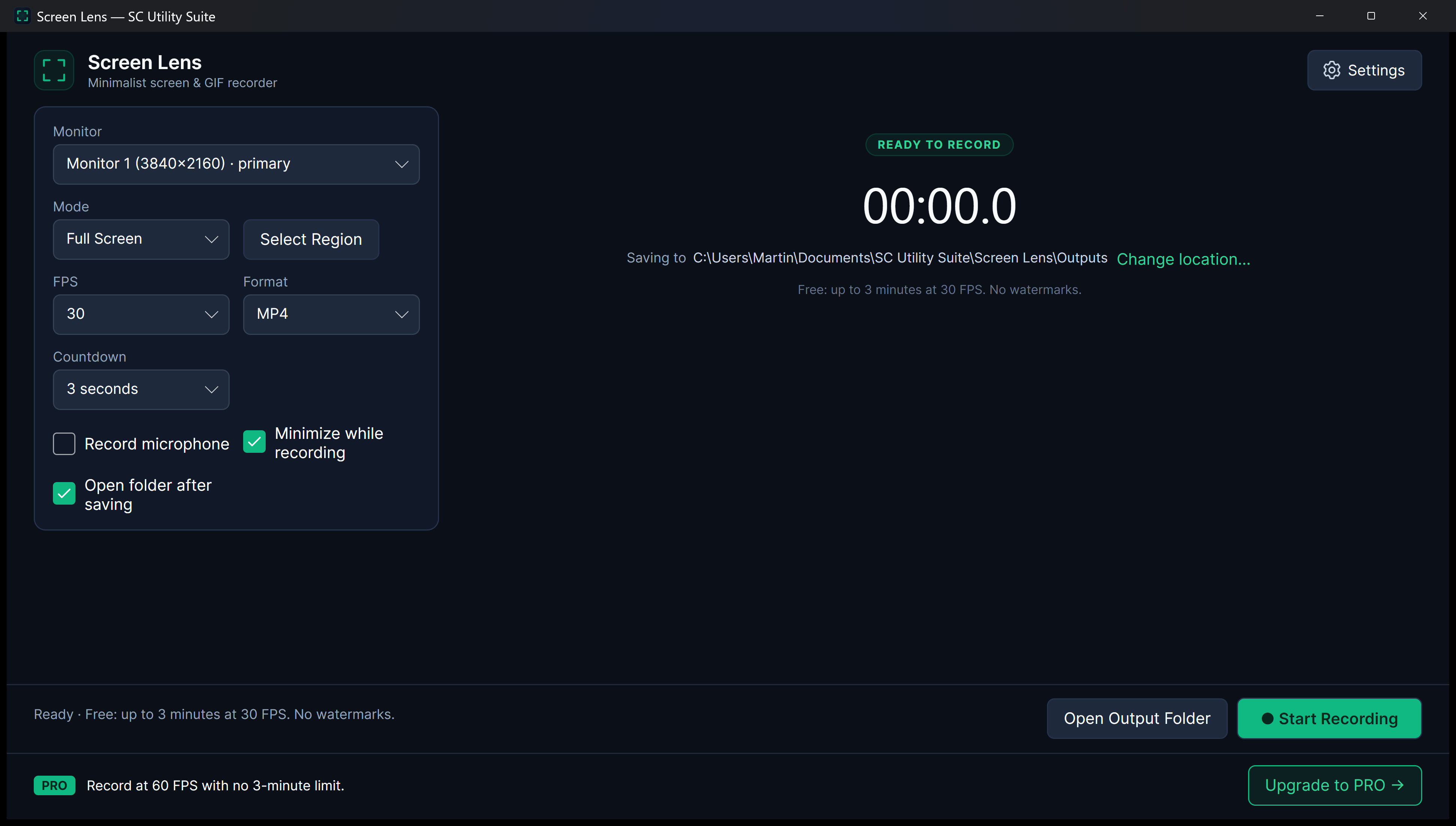
Preview how Screen Lens configures capture targets and output formats without OBS complexity.
Quick Start Guide
How to Use Screen Lens
Three straightforward steps from file selection to completed task.
Choose Capture Region
Select full screen or drag a custom region around the app or website you want to demonstrate.
Record Your Action
Click Record. Use the floating mini-bar to pause or stop whenever you are ready.
Save MP4 or GIF
Preview your capture and save it directly as an MP4 video or animated GIF ready for documentation or sharing.
SEE IT IN ACTION
Watch Screen Lens in Action
Instant high-framerate demos, vertical 60-second Short, and full YouTube walkthrough.
Transparent & Fair Pricing
Free vs. Lifetime PRO
Available free on Microsoft Store, Snap Store, direct installer/portable ZIP, and Linux .deb/.tar.gz. Upgrade anytime with a one-time PRO licence.
FREE FOREVER
Standard Edition
$0 no expiration
Full region selection, up to 30 FPS recording, animated GIF generation, and watermark-free video exports.
- 100% offline file processing
- No recurring subscription
- Clean Windows 11 Fluent interface
- No watermarks or cloud lock-in
OPTIONAL LIFETIME UPGRADE
PRO Edition
$3.99 one-time payment
High-framerate 60 FPS smooth capture, unlimited recording duration, and upgrade banner removal.
- Smooth 60 FPS recording
- Unlimited duration
- Ideal for high-motion gameplay & tutorials
- Lifetime PRO license
Answers
Frequently Asked Questions
Does Screen Lens add a watermark to my recordings?
No. Screen Lens never stamps watermarks on your recordings, even in the free version.
Can it create animated GIFs directly?
Yes. You can capture any screen area and save it directly as an animated GIF, perfect for GitHub pull requests, Slack, Teams, or bug tickets.
Does it record system audio and microphone?
Yes. You can select your audio input device to record clear voiceovers or system sound alongside your screen.
Part of the SC Utility Suite
Looking for other native Windows desktop tools? Explore the other 6 privacy-first utilities in our family:
 HEIC Studio
 Dup Scrub
 Media Trim
 PDF Knife
 Archive Unpacker
 USB Flasher
COMPLETE TOOLBOX